Importance of Digital Lab Skills
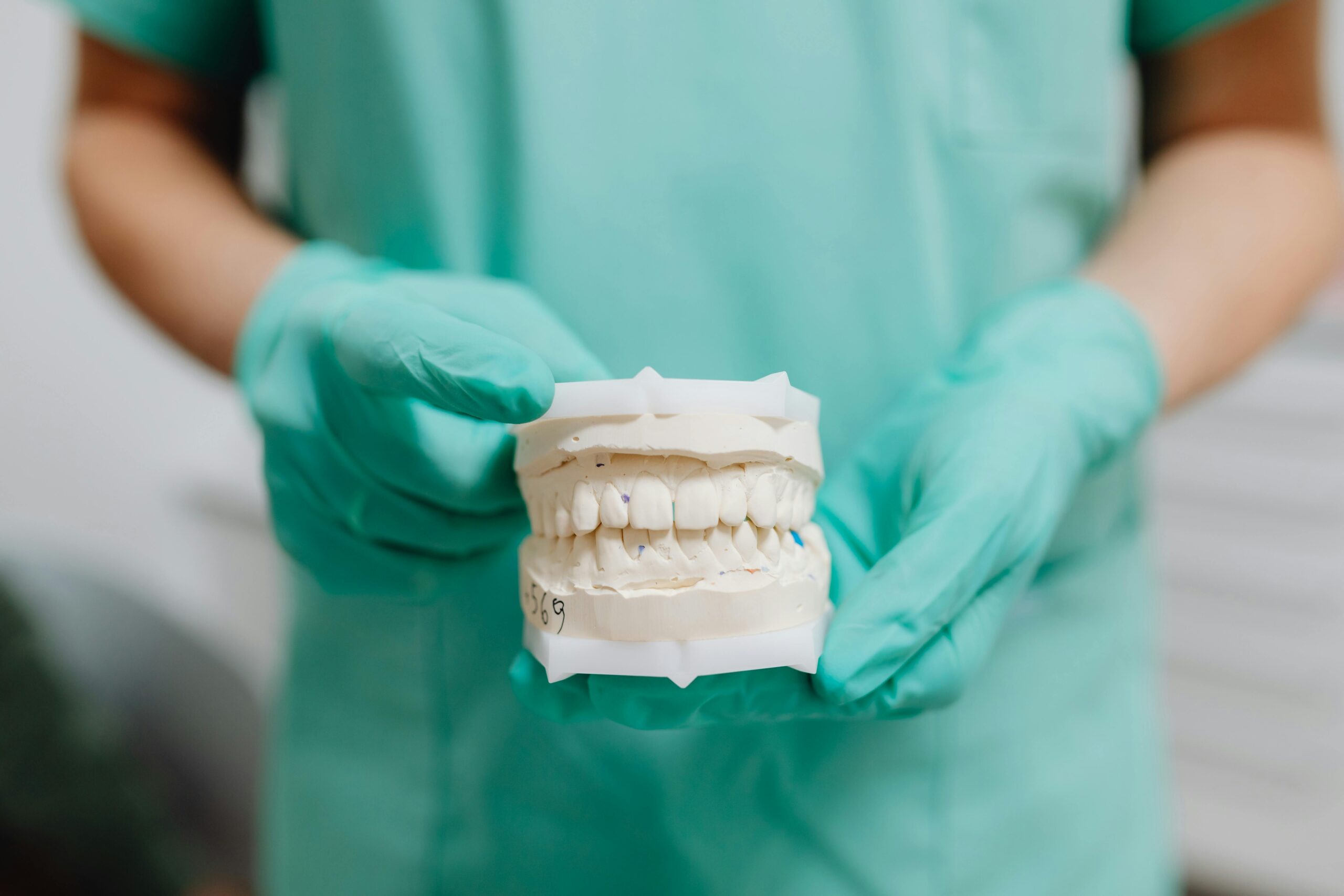
Digital lab skills let dentists design, measure, and deliver care with better control and speed. When a dentist understands scanning, design, and fabrication, fewer steps are repeated, and quality is easier to verify. Patients see faster turnarounds and more predictable results. This is why dentists should learn digital lab as a core part of modern practice.
These skills connect diagnosis to delivery. Digital impressions capture teeth and bite in detail, then software helps design restorations that fit the plan. A cracked molar at 9 a.m. becomes a finished crown by 3 p.m. Because the entire process lives in files, feedback is clear, and corrections are fast.
- Intraoral scanning for accurate, comfortable impressions
- CAD design of crowns, bridges, splints, and dentures
- 3D printing or milling for precise prototypes and finals
- Digital bite analysis and occlusal adjustment planning
- Photo and shade protocols for consistent esthetics
- Secure file sharing with the lab for rapid revisions
Clinical control improves because the dentist can preview fit, contacts, and bite before a tooth is touched. Digital wax-ups help set realistic esthetics and function, which reduces remakes. For restorative care, this means smoother delivery of custom crowns and bridges, more stable contacts, and fewer chairside surprises. The same data set also supports night guards, occlusal guards, and durable provisionals, keeping treatment aligned from start to finish.
These tools matter beyond single teeth. Surgical guides improve implant positioning, and aligner setups help visualize tooth movement before treatment starts. That shared digital plan makes communication with patients clearer and speeds informed decisions. For orthodontic cases, thoughtful records and designs support precise Invisalign treatment planning. Next, we can look at which skills to build first and how to practice them. The practical goal is simple, safer care with fewer steps.
Benefits of Learning Scanning Techniques
Learning scanning techniques helps dentists capture accurate digital impressions with less mess and more comfort. A patient gags with putty impressions; a quick scan solves it. Better scans mean fewer remakes, clearer communication with the lab, and more predictable results.
Beyond comfort, the main gain is control. Intraoral scanners let you see margins, contacts, and bite in real time, so errors are caught before the patient stands up. Color maps highlight holes or rocking, guiding quick rescans instead of full retakes. Bite scans and virtual articulation help set even contact points and stable occlusion. These tools support esthetic planning too, from shade mapping to midline checks, which streamlines mockups and delivery for detailed planning for porcelain veneers.
Efficiency improves across the visit. Digital models travel instantly to the lab, cutting shipping delays and the risk of distorted impressions. Calibrated scan strategies, good retraction, and moisture control produce clean data that is easy to design from, which shortens seat times. The same scan can be reused for night guards, retainers, and occlusal guards, building a consistent record over time. Full-arch scans also aid framework design and clasp positioning when designing comfortable partial dentures. These advantages are central to why dentists should learn digital lab.
For patients, this means fewer visits, shorter appointments, and restorations that feel right sooner. If you want to plan a visit or have questions, check our current hours. Next, we will look at how to move from scanning to confident design and fabrication. Better scans lead to smoother care.
Enhancing Design Capabilities in Dentistry
Enhancing design capabilities in dentistry means planning fit, function, and esthetics before any tooth is treated. A chipped front tooth before a presentation needs a precise, tested plan. With digital design, dentists shape contours, contacts, and bite virtually, so the clinical visit is smoother and adjustments are fewer.
Good design begins with clear rules. CAD tools help place margins cleanly, control emergence profiles for healthy gums, and sculpt occlusal anatomy that matches the patient’s bite. Thickness maps warn if a crown is too thin, allowing safer reduction and stronger restorations. Proximal contact strength, embrasure form, and line angles can be tuned on the screen, which reduces chairside reshaping. These gains are a clear answer to why dentists should learn digital lab.
Design also links diagnosis to final performance. Virtual articulation highlights interferences before they chip enamel or ceramic, and contact heat maps guide small changes that improve comfort. For complex cases, prosthetic-driven planning aligns implants, bone, and the final teeth, which supports stable function and esthetics. Thoughtful design is essential for coordinated All On 4 implant treatment planning, where tooth position, vertical dimension, and speech must harmonize.
The practical benefit is predictability. Digital wax-ups set realistic shapes, then reduction guides and try-ins translate the plan to the mouth with fewer surprises. The same principles guide removable solutions, where base thickness, clip angles, and path of insertion affect comfort; this is key when designing stable snap-in implant dentures. The next step is turning a good design into a precise print or mill, and confirming what you planned is what you delivered. Better design leads to better dentistry.
Understanding Lab Needs for Better Outcomes
Understanding lab needs means knowing what information and space a lab requires to make work that fits, functions, and looks right. When dentists capture clean margins, a true bite record, and accurate shade, the lab can build restorations that seat with minimal adjustment. This alignment reduces remakes and speeds delivery.
A crown needs a second adjustment because the bite was not captured well. Digital checks make this avoidable. Occlusal clearance maps show if there is enough room before you prep more. Retraction cords and moisture control uncover the full margin line, so the design is exact. Face and intraoral photos, with a shade tab, guide surface texture and color. Together, these steps give the lab the data needed to succeed.
Lab processes also have limits that shape plans. Ceramics and resins need minimum thickness for strength; knowing these numbers prevents fractures. 3D printing and milling change dimensions during curing or sintering, so designs need small allowances. Contact targets, like light proximal contacts and firm centric stops, should be written on the prescription and checked in software. A printed or milled try-in lets you verify speech, bite, and esthetics before the final, which saves chair time.
Good communication closes the loop. Clear timelines, annotated screenshots, and versioned files help the team fix issues fast; they also explain choices to patients in simple terms. This practical understanding is a core reason why dentists should learn digital lab. Next, we will connect these lab needs to fabrication steps, including support placement, post-processing, and quality checks. Plan for the lab, and the chair will be simpler.
The Role of Digital Tools in Dentistry
Digital tools help dentists see clearly, plan precisely, and deliver care with fewer surprises. They turn physical mouths into accurate 2D and 3D data that guide each step. A patient breaks a tooth at lunch, and a digital plan directs a same-day solution. The result is safer, faster treatment and more predictable outcomes.
The process starts with better information. High‑resolution images and 3D scans show tooth structure, bone, and nerves in detail, which supports accurate diagnoses. Caries detection technologies highlight early decay, so small problems are treated before they grow. Digital jaw tracking and bite records reveal how teeth contact during chewing, which helps prevent future chipping. With a complete digital record, the team can compare changes over time and adjust plans early.
Planning then becomes clearer and more conservative. Virtual models let dentists test shape, contact points, and bite before touching a tooth, reducing chairside adjustments. Surgical guides use the plan to direct handpieces during procedures, which improves implant and surgical accuracy. Same‑day printing or milling turns approved designs into precise try‑ins or finals, shortening total treatment time. In endodontics, 3D imaging helps locate hidden canals and map root curvatures, supporting more predictable modern root canal care.
Quality control is built in at delivery. Digital bite checks confirm even contacts, and shade documentation supports consistent color from start to finish. Photos and scans make it easier to explain options to patients and to document why a choice fits their goals. The same records guide surgical planning for thoughtful wisdom tooth removal planning, where nerve position and bone density matter. This broader picture shows why dentists should learn digital lab and keep skills current. Better data leads to better dentistry.
Future-Ready: Adapting to Digital Trends
Being future‑ready means building habits that keep your care aligned with fast digital change. In dentistry, that includes learning new tools, keeping data portable, and training the team to use one clear workflow. Patients feel the benefits as shorter visits, more accurate work, and smoother follow‑through.
A scanner update changes file formats the week before your full‑arch case. Planning for change starts with interoperability. Use open, well‑supported file types for scans and images, and confirm they pass cleanly between your software, lab, and printer or mill. Validate each new software version with a quick test case before using it on a patient. Calibrate scanners and printers on a routine schedule, and record the results, so fit stays consistent. Protect patient data with secure storage, permissions, and reliable backups.
Next, build a simple learning rhythm. Scan, design, and print one low‑risk case when a feature is new; measure outcomes like seat time, occlusal adjustments, and remakes. Keep a small dashboard of metrics, then review it monthly with your team. Use decision support tools, like caries detection or automated margin marking, as aids, not replacements, and document when you accept or override them. Clear naming, versioned files, and annotated screenshots make collaboration quick and errors easier to spot.
Finally, align technology with patient goals. Share previews and timelines in plain language, so expectations match what the tools can deliver. When the team can adapt without stress, treatment stays predictable even as software and materials improve. This steady approach explains why dentists should learn digital lab and keep skills current. Small, steady upgrades keep care safe and efficient.
Collaboration with Digital Labs Explained
Collaboration with digital labs means the clinic and the lab share clear data, decisions, and timelines to produce accurate work. The dentist sends clean scans, calibrated photos, and a written plan, then reviews the lab’s digital design before anything is made. When each step is agreed upon in files, outcomes are more predictable and visits are shorter.
Here is a simple picture: an esthetic case moves smoothly when shade photos, a mockup, and bite data are aligned from the start. Good collaboration begins with a complete “data packet.” That includes precise intraoral scans with visible margins, a verified bite record, and photos taken with a shade tab in the same light. A brief prescription lists material, minimum thickness, contact strength, and any cosmetic goals. The lab returns a design preview with notes, and the dentist approves or requests changes inside the same file set.
Digital tools make this loop efficient. Annotated screenshots point to exact areas to adjust, such as a tight contact or an over-bulky emergence profile. Versioned files prevent confusion, so everyone edits the current plan. Printed or milled try-ins let the dentist test speech, bite, and esthetics before the final is fabricated, which lowers the chance of remakes. After delivery, the team records seat time and any adjustments, then shares that feedback with the lab to refine future cases.
This approach helps both simple and complex care. Model-less workflows can speed single-unit cases when scans and bites are clean, while full-arch cases benefit from staged approvals and prototype try-ins. Consistent photo and shade protocols support seamless margins and natural color in restorations, and also inform conservative options like precise planning for dental bonding. Clear collaboration is a practical answer to why dentists should learn digital lab.
For patients, the result is fewer surprises, fewer visits, and restorations that feel right sooner. Next, we will build on this teamwork to cover fabrication checks that confirm the plan matches the final result. Good files, clear notes, and quick feedback make dentistry safer and smoother.
Improving Patient Communication through Technology
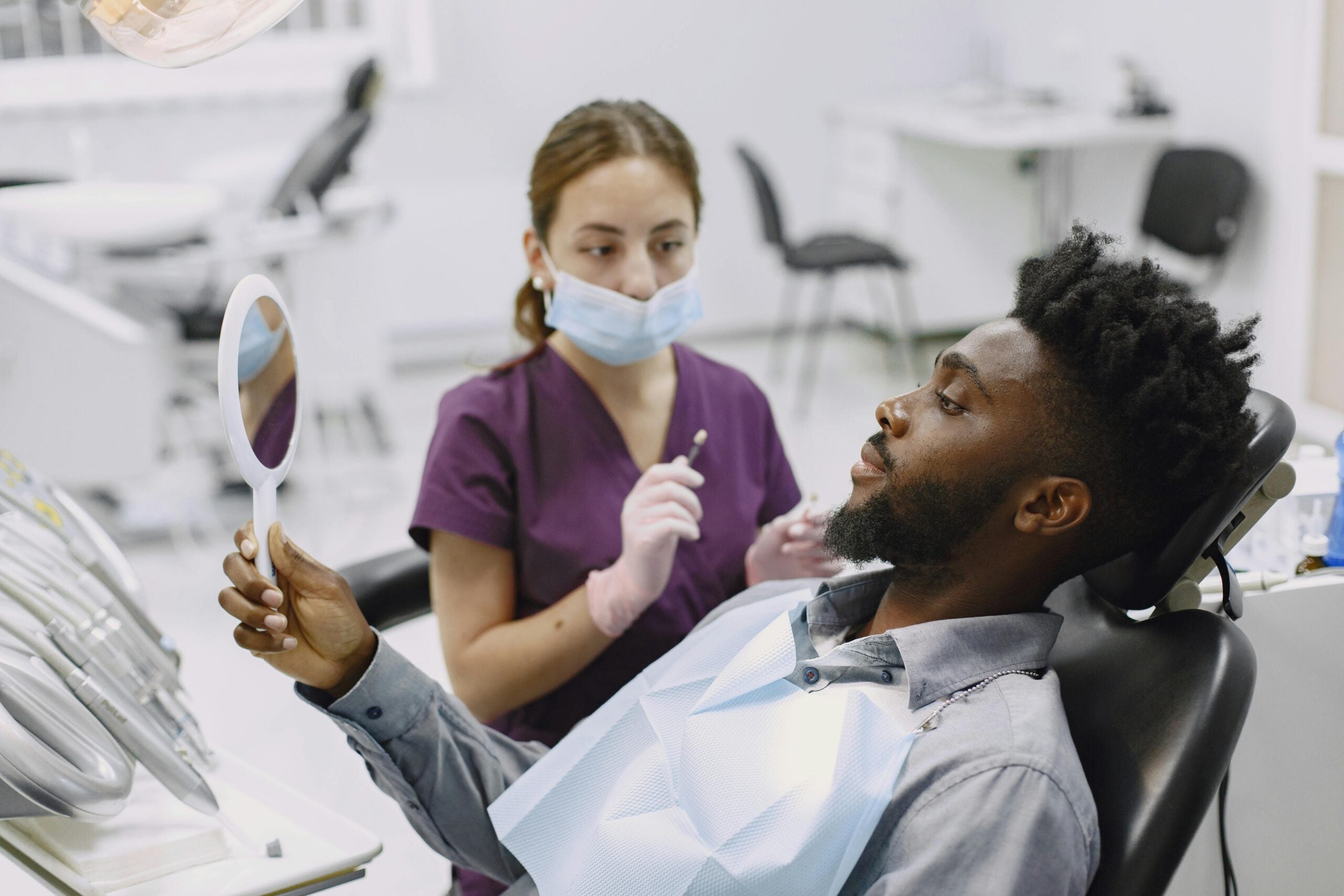
Technology improves patient communication by turning complex dental issues into clear pictures and simple models. With scans and photos on the screen, we can show what we see, explain choices, and agree on a plan. A patient asks, “Why do I need this crown?” We zoom into the crack, compare bite contacts, and outline the steps.
Seeing conditions makes choices easier. Annotated scans can highlight fractures, old margins, and areas of wear, while quick simulations preview tooth shape, shade, and bite contacts. This helps set expectations for esthetics and comfort, including personalized planning for teeth whitening. Secure messages and short remote check-ins let patients ask questions and follow instructions between visits. Evidence suggests modern communication tools in dentistry can enhance engagement and care coordination, improving how information is shared and understood [1].
Clinically, clearer conversations reduce surprises. When expectations match the plan, there are fewer remakes and shorter adjustment times. Standardized photo angles, shade notes, and brief summaries keep the dentist, team, and lab aligned, so explanations stay consistent. For anxious patients, simple pre-visit videos and written guides lower stress; paired with careful options for oral sedation, many visits feel more manageable.
These habits also close the loop after delivery. We compare the planned result to the final, explain any small adjustments in plain language, and record what to improve next time. Patients understand their choices, and the team builds a reliable record for future care. These gains in understanding are another reason why dentists should learn digital lab. Show more, say less, and patients decide with confidence.
Common Challenges in Digital Lab Skills
Common challenges in digital lab skills include capturing clean data, managing design choices, and producing parts that fit as planned. A crown will not seat at delivery, and contacts feel too tight. Often the root cause is a small error early in the workflow, not the final step.
In scanning, saliva, shiny enamel, and mobile tissue create voids or double contours. If the scanner path is inconsistent, the software stitches frames poorly and the arch distorts. Bite records fail when there is movement during capture or an interim restoration is not fully seated. These problems show up later as high occlusion, open contacts, or short margins. Checking retraction, dryness, and stable closure at the moment of capture prevents many remakes.
Design brings its own pitfalls. Margins may be marked inside sulcular shadows, and tools can over-smooth occlusal anatomy, which weakens guidance. Minimum thickness rules vary by material, so a thin cusp in software can fracture after delivery. On the fabrication side, printer calibration, part orientation, and post-processing drive accuracy, and milling bur wear changes fine detail. Reviews in prosthodontics note that 3D printed accuracy depends on printer type, resin, layer thickness, and curing steps [2]. Small tolerances stack, so a correct file can still become a tight contact or a short crown.
Human factors matter. New tools have a learning curve, and teams need shared file names, versions, and backups. Closed formats or software updates can break a working sequence overnight. Simple verification steps, like a printed try-in or a quick fit gauge on a model, catch problems before the patient arrives. Understanding these hurdles is part of why dentists should learn digital lab, because solving them reduces visits and stress. Small upstream errors become big downstream problems.
Where to Start Your Digital Lab Journey
Start with one simple workflow you can repeat. Learn to scan well, design a single posterior crown, and make a basic try‑in before moving to finals. Pick one scanner, one software, and one material, then practice on models before a live case. Your first live case could be a single molar crown with a printed try‑in.
Begin with data quality. Set a clear scan path, practice retraction and moisture control, and verify the bite record while the patient closes in a stable position. Use the scanner’s color maps to find voids or distortions, then rescan only the area that needs it. Save files with consistent names and versions, so the team can track changes and avoid mix‑ups. When the scan is clean and the bite is true, everything downstream gets easier.
Next, build design skills on low‑risk cases. Posterior crowns and night guards teach margins, contacts, and occlusion without complex esthetics. In software, place margins in clean tissue, check minimum thickness, and set light proximal contacts with firm centric stops. Print or mill a try‑in to test fit and bite before you commit to a final. Record seat time and any adjustments, so each case teaches you what to change next time.
Then learn basic fabrication controls. If printing, standardize orientation, supports, wash, and cure times; if milling, track bur wear and tool paths. Calibrate your device on a schedule, and verify accuracy with a small test part. Do a quick bench check before the patient arrives, using a model fit, a simple gauge, and articulating paper to confirm contacts. Share short feedback notes with your lab or team, and update your protocol when something works better.
This stepwise start explains why dentists should learn digital lab, because small wins stack into predictable care. Begin small, measure results, and add complexity as your confidence grows. Start simple, then scale with purpose.
Frequently Asked Questions
Here are quick answers to common questions people have about Every Dentist Needs Digital Lab Skills in Glendale, AZ.
- What are digital lab skills in dentistry?
Digital lab skills include using technology to scan, design, and create dental restorations like crowns, bridges, and dentures. With skills in digital impressions, CAD design, and 3D printing or milling, dentists can streamline their workflow. These skills help capture precise data quickly and lead to better fitting restorations, more efficient processes, and happier patients. Understanding and implementing these digital tools is essential for modern dental practices to stay current.
- How do digital lab skills improve patient care?
Digital lab skills improve patient care by making dental procedures faster and more accurate. When dentists use digital tools, they can produce precise models and restorations that fit better, which reduces the need for adjustments and remakes. This ensures that appointments are shorter and fewer, enhancing the overall patient experience. Improved diagnosis and treatment planning also contribute to more predictable and satisfactory outcomes for patients.
- Why is intraoral scanning important for dentists?
Intraoral scanning is important for dentists because it provides accurate and comfortable impressions, improving both efficiency and patient experience. Traditional methods can be messy and uncomfortable, but digital scans are quick and precise. This technology allows dentists to detect errors in real time, reducing the need for retakes and minimizing chairside adjustments. Ultimately, intraoral scanning streamlines the entire dental restoration process.
- What are the benefits of CAD design in dentistry?
CAD design benefits dentistry by allowing dentists to plan dental restorations precisely before treatment begins. Dentists can visualize and adjust fit, function, and esthetics digitally, reducing the need for adjustments during the clinical visit. This capability translates into smoother procedures, fewer remakes, and more predictable results, thus improving the quality of dental care and patient satisfaction.
- How do digital lab skills enhance communication with patients?
Digital lab skills enhance communication with patients by providing clear, visual data that aids in explaining treatments. Using digital scans and images, dentists can show patients the specifics of their dental conditions and the proposed solutions. This visual approach helps patients understand their options better, leading to more informed decisions and greater trust in the treatment process. Clear communication results in better alignment between patient expectations and treatment outcomes.
References
- [1] Impact of Modern Communication in Transforming Dental Care. (2025) — PubMed:41149088 / DOI: 10.3390/dj13100441
- [2] Trends and future perspectives of 3D printing in prosthodontics. (2024) — PubMed:39071750 / DOI: 10.1016/j.mjafi.2024.05.003