Introduction to Digital Lab Skills
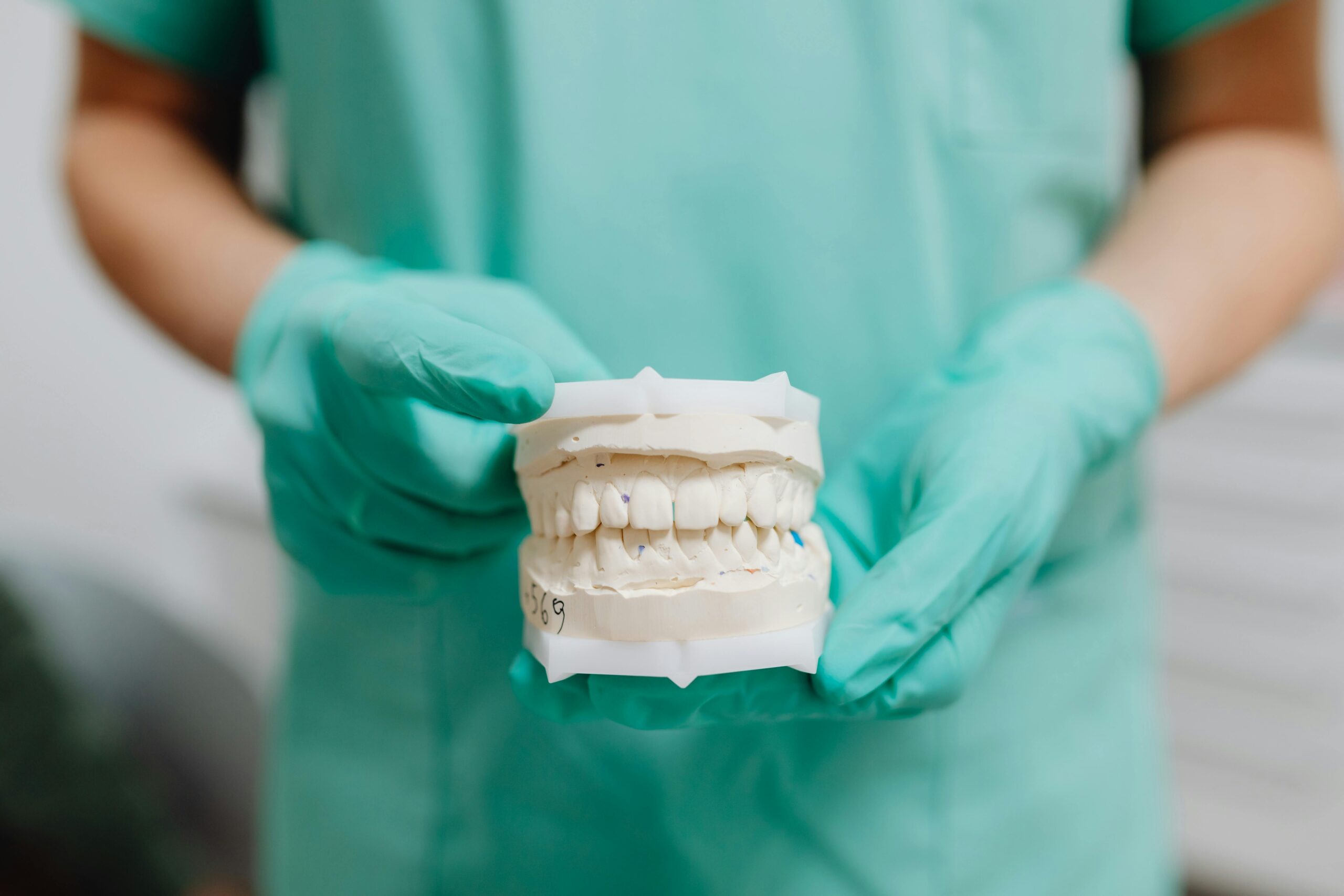
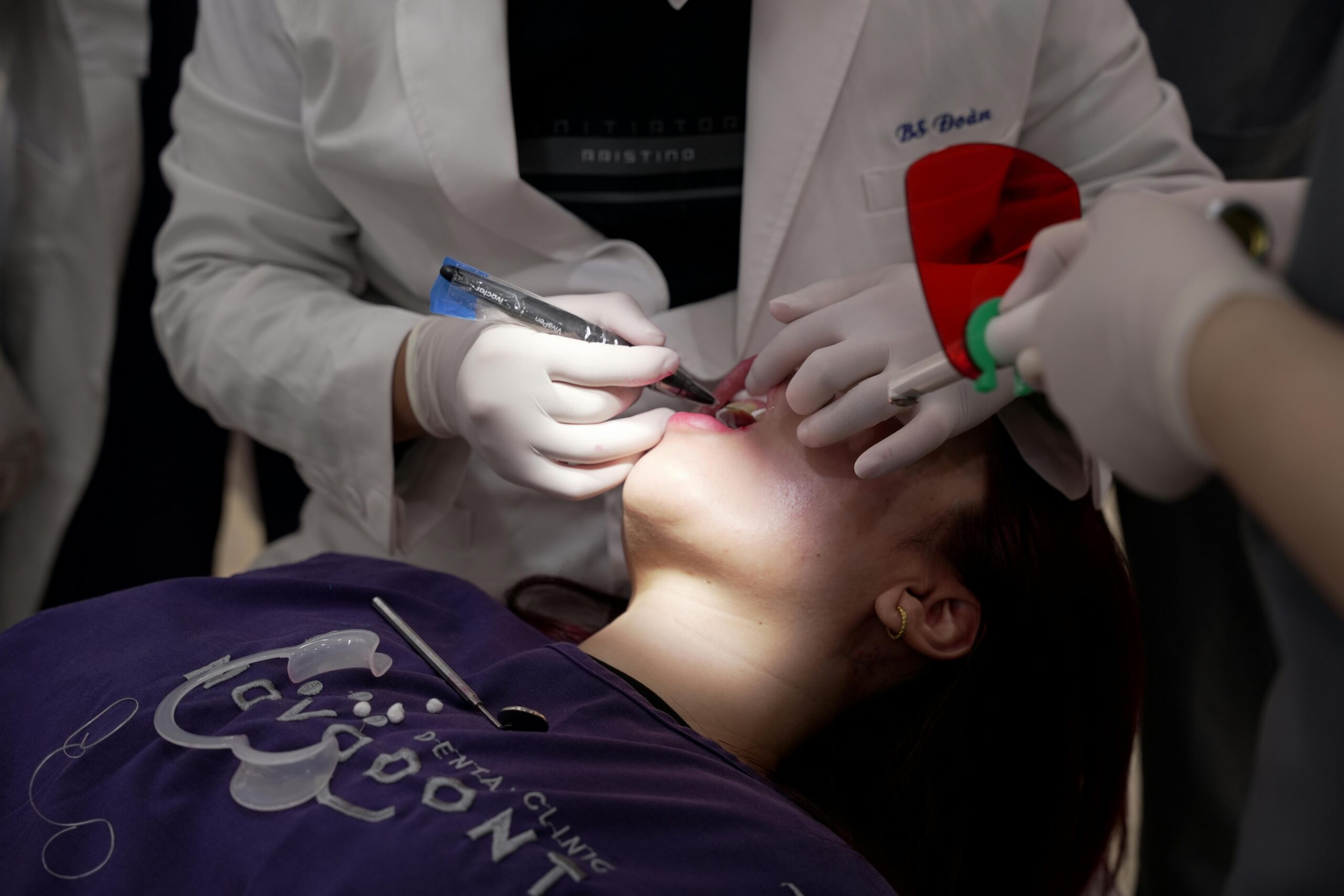
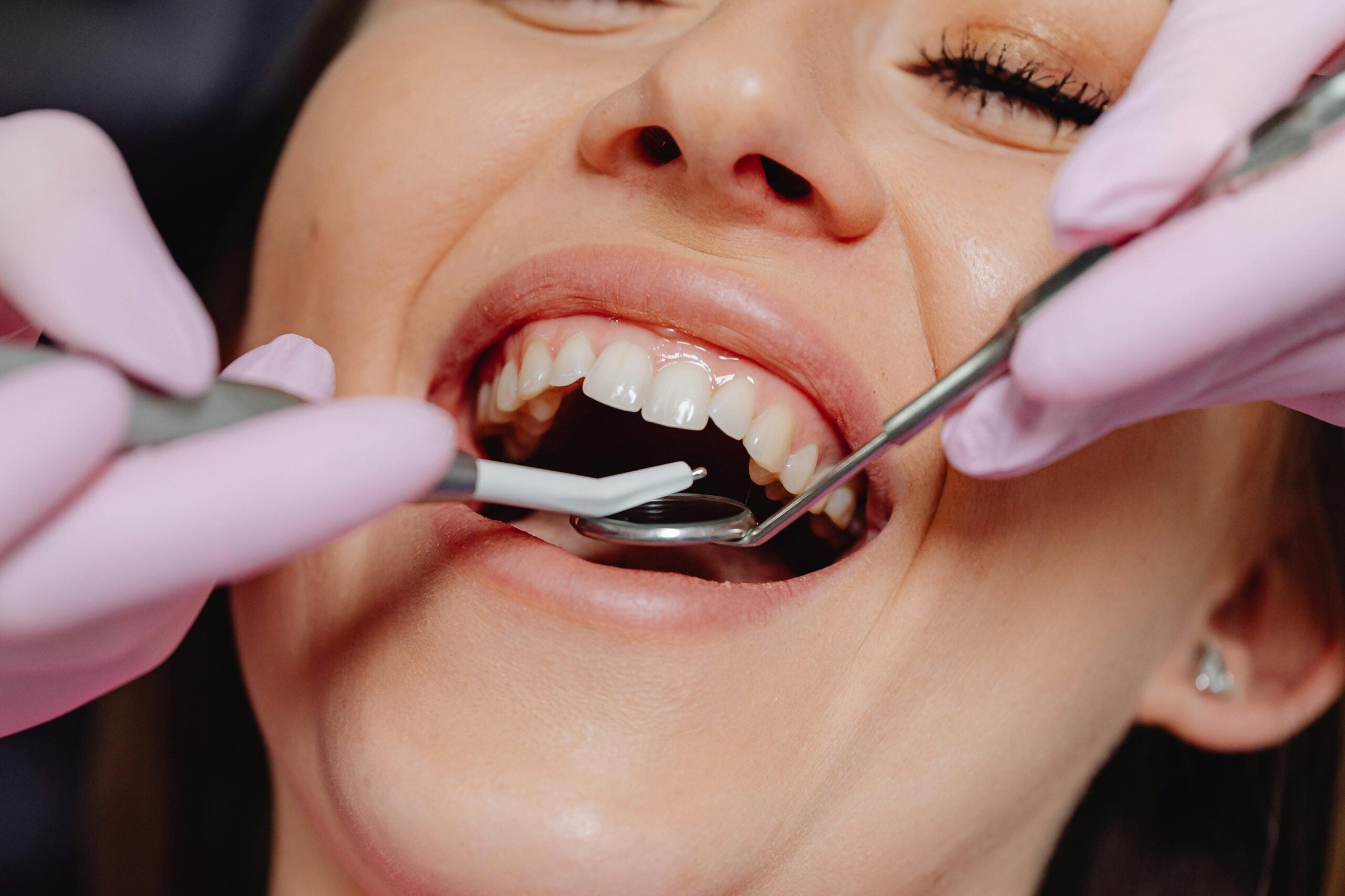
Digital lab skills are the hands-on techniques dentists use to scan, design, and make restorations with computers. These skills include using intraoral scanners, CAD software, milling, and 3D printing. They allow better control over fit and esthetics, and they shorten the wait for many treatments. A patient chips a molar on Friday afternoon.
At a basic level, digital skills replace messy impressions with precise scans, then turn those scans into crowns, veneers, guides, or aligners. The workflow is visual and stepwise, so the dentist can preview the bite, margins, and shape before anything is made. This improves accuracy and reduces remakes. It also helps patients understand their care because designs are easy to show on screen.
- Intraoral scanning for accurate, comfortable digital impressions
- Tooth and implant design in CAD with proper margins and contacts
- CAM setup for milling ceramics or printing resins
- Material selection and finishing for strength and esthetics
- Digital bite analysis and occlusal adjustments
- File management, calibration, and quality checks
These skills improve chairside decisions. For example, a scanned tooth can be virtually prepared, then refined to preserve enamel and avoid high spots. When needed, a dentist can fabricate a provisional or final restoration in-house, or share precise files with a lab for complex work. This raised “digital literacy” supports efficient care in many areas, including well-fitting crowns and bridges.
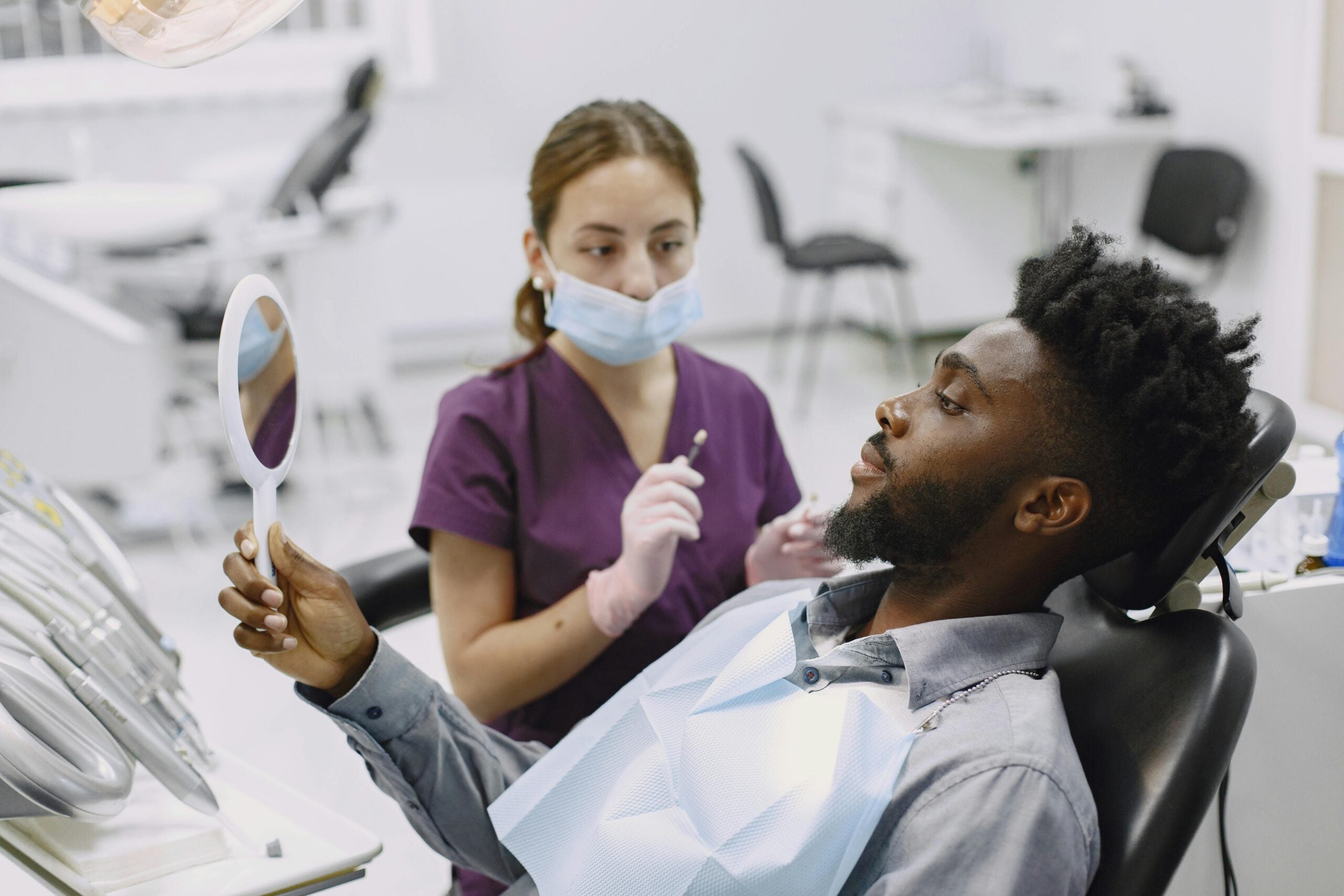
For patients, the benefits are clear. Digital impressions are cleaner and faster. Designs can be adjusted before fabrication, which limits surprises. Dentists gain speed, but also accountability, since every step is recorded and reviewable. This article introduces the core ideas and shows why dentists should learn digital lab methods. Mastering the basics leads to safer, more predictable dentistry.
Benefits of Mastering Digital Tools
Mastering digital tools lets dentists plan and deliver care with more precision, fewer steps, and less guesswork. Patients benefit from shorter visits, cleaner records, and restorations that fit as intended. Teams gain clearer communication and predictable outcomes across simple and complex cases.
A cracked cusp at 10 a.m. can be restored by 2 p.m. When preparations, margins, and contacts are designed on-screen, the fit becomes measurable, not assumed. Virtual articulation helps balance the bite before anything is made, which reduces chairside adjustments. Shade mapping and texture libraries improve esthetics by design rather than by trial. The same approach supports smile previews, which helps guide decisions for digital smile design for porcelain veneers.
Digital workflows also create a complete audit trail. Calibrated scanners, validated outputs, and saved project files make quality checks straightforward. Because data move in standard formats, dentists and labs can collaborate efficiently, even across offices. Surgical and restorative teams can align on tooth position, occlusion, and tissue support before treatment begins, which streamlines steps for complex cases like planning snap-in implant dentures. This reduces remakes and helps control costs without cutting corners.
For patients, these gains show up as fewer appointments, fewer surprises, and solutions that match the plan. For clinicians, digital mastery turns variability into a repeatable process, from diagnosis to delivery. These benefits explain why dentists should learn digital lab. Better planning means fewer surprises for everyone.
Key Digital Techniques for Dentists
Key digital techniques help dentists capture accurate data, plan restorations on screen, and make them with confidence. The essentials are precise 3D records, careful image alignment, intentional virtual design, and controlled fabrication. Used together, these steps improve fit, shorten visits, and make outcomes more predictable.
Data capture comes first. Clean, calibrated scans of teeth, gums, and bite are recorded in a set order so the software aligns everything correctly. For implant cases, photogrammetry or scan bodies can map implant positions with high precision across a full arch. A full-arch implant case moves from scan to guided surgery in one appointment.
Planning merges surface scans with cone beam images to see bone, roots, and soft tissue together. Dentists set margins, adjust emergence profiles, and check the path of insertion before anything is made. Virtual articulation lets us balance contacts and occlusion in advance, which reduces chairside grinding. The same planning tools guide implant placement and generate surgical guides, which is especially helpful for full-arch treatment such as thoughtful full-arch implant planning.
Fabrication turns the design into a real object. Milling strategies, bur selection, sprue placement, and sintering cycles affect strength and fit for ceramics. Printing requires proper orientation, supports, resin handling, and post-curing to reach the intended accuracy. Try-in prints can confirm esthetics and bite before final ceramic. These skills also support orthodontic workflows, including precise tooth movements and staging for digital clear aligner planning. Each case is documented with saved files, making quality checks and remakes faster if needed.
Together, these techniques explain why dentists should learn digital lab. Patients see fewer visits and a closer match to the plan, while clinicians gain a repeatable, transparent process. Better planning leads to better results.
Enhancing Patient Outcomes with Technology
Digital tools help dentists diagnose earlier, plan clearly, and deliver care that matches the plan. Patients benefit from shorter visits, fewer surprises, and restorations that fit well. Technology supports safer, more conservative treatment by letting us see details before we touch a tooth.
A patient needs a crown before travel next week. With precise scans and on-screen design, we can check margins, contacts, and bite before making anything, which reduces adjustments and remakes. Printed or milled try-ins let the patient preview shape and length, so esthetic choices are made with confidence. For surgery, imaging and guide design improve accuracy and reduce tissue trauma, which often speeds recovery for services like careful planning for wisdom tooth removal. The result is a smoother appointment and a more predictable outcome.
Technology also strengthens diagnosis and communication. Calibrated scans and photos create a shared record that the whole team can review, so options are clear and consent is informed. When symptoms point to deep decay or infection, 3D data and digital measurements guide targeted care and follow-up, supporting modern evaluation for root canal treatment. Saved files form an audit trail, which supports quality checks and continuous improvement across cases. This reduces the chance of retreatment and helps maintain long-term dental health.
For patients, these advances translate to comfort, speed, and durable results. For clinicians, they show why dentists should learn digital lab, since better planning leads to safer, less invasive care. If you are comparing options or timing, see our current hours and choose a time that works. Thoughtful use of technology makes care more predictable for everyone.
Integrating Digital Skills in Your Practice
Integrating digital skills means building a clear, step-by-step workflow that fits your current systems. Start with one reliable scanner and design station, set simple protocols, and train the team to follow the same steps every time. Add milling or printing only after scans and designs are consistent. This staged approach keeps visits smooth and results predictable.
A patient breaks a cusp during lunch. Begin with case selection, such as single-unit posterior restorations, where digital tools shine and learning is fast. Create a capture checklist for clean scans, a design checklist for margins and contacts, and a fabrication checklist for orientation, supports, or milling tools. Calibrate devices on a set schedule, and save files with standard names so anyone can find them. A short daily huddle keeps roles clear and prevents bottlenecks.
Quality control turns skill into consistency. Measure seat time, number of occlusal adjustments, and any remakes, then refine the steps that cause delays. Use try-in prints for esthetic confirmation before making the final, and document small design changes so future cases improve. Plan for maintenance and data security by updating software routinely, backing up case files, and storing scans and photos as part of the patient record. Digital shade planning and surface texture also support conservative care, which pairs well with precise contouring and dental bonding procedures.
Team training matters as much as the tools. Cross-train assistants to scan and stage jobs, and set clear handoffs between scanning, design, and delivery. Define which cases stay in-house and which go to the lab, then share standard files so collaboration is smooth. As confidence grows, expand to partial frameworks or occlusal splints, where accurate scans and test prints guide fit for services like well-planned partial denture design and adjustments. This practical pathway shows why dentists should learn digital lab, because each step builds control and clarity.
For patients, this integration means fewer surprises and a closer match to the plan. For clinicians, it means a repeatable process that improves with each case. Small, steady changes create lasting gains.
The Future of Dental Lab Work
The future of dental lab work is digital, connected, and faster for patients. Scans, design, and fabrication will flow in one model-free stream. Dentists and labs will share the same data in real time, so designs are clearer and fits are more predictable.
A crown cracks the day before travel. As tools mature, more cases will move from scan to delivery in a single visit. Cloud platforms will align photos, scans, and bite records, then suggest margins and contacts that match the plan. Virtual articulation will be routine, so occlusion is refined before anything is made. This reduces seat time and polishing while raising accuracy.
Materials are advancing alongside software. Milled ceramics will remain a mainstay, but printed resins will gain strength and precision for long-term provisionals and guides. Try-in prints will be used more often to confirm esthetics and speech, then the approved design will be milled or printed as the final. Calibration checks will be built into devices, so quality control happens as you work, not after delivery. These changes lower remakes and help conserve tooth structure.
Care will also feel more personal. Clear visuals and simulations will help patients choose shapes and shades with confidence. Simple accessories, like custom whitening trays, can be designed from a scan and produced quickly, supporting efficient professional teeth whitening plans. Teams that understand data capture, design intent, and fabrication limits will adapt fastest, which is why dentists should learn digital lab. Learning now prepares practices for shorter visits, safer preparations, and results that match the plan.
The takeaway is simple: get comfortable with digital steps today to serve patients better tomorrow.
Overcoming Challenges in Learning Digital Lab
Learning digital lab can feel hard at first, but the hurdles are manageable with a plan. The main challenges are time, consistency, and choosing the right steps to practice. Start small, build simple routines, and track results so each case gets easier. A new scanner arrives on Monday, and the schedule is already full.
Protect short blocks of learning time, such as one hour twice a week, and focus on one task at a time. Begin with single-unit posterior cases, since preparation and design are straightforward. Create a fixed scanning sequence and stick to it so data align the same way every time. Calibrate devices on a schedule, and use standard file names to keep projects organized. This turns new tools into repeatable habits rather than one-off efforts.
Expect a few early missteps. Common issues include missing scan data at margins, distorted bites, or over-polished contacts during finishing. Manage these with checklists for capture and design, and by reviewing each case the next day. Measure seat time and number of adjustments, then change one variable at a time. Use low-cost test fabrications to confirm shape and occlusion before committing to a final, so mistakes are caught early and cheaply.
Team training prevents bottlenecks. Cross-train an assistant to scan and stage cases, and set clear handoffs between scanning, design, and delivery. Keep a simple change log when software updates, and standardize settings so results remain stable. Back up project files, store patient images securely, and document small design edits. These steps build confidence and show why dentists should learn digital lab, because control grows with each well-documented case.
For patients, overcoming these challenges means fewer visits, fewer surprises, and restorations that match the plan. Once your workflow is steady, it becomes easier to explore what is next in materials and software. Strong foundations make future advances safer to adopt. Small, steady practice wins.
Collaboration with Digital Lab Technicians
Collaboration with digital lab technicians means sharing clear scans, photos, and plans so the restoration matches the clinical goals. The dentist defines biology and function, the technician shapes form and texture, and both review designs before anything is made. This two-way workflow shortens guesswork and reduces remakes. A full-arch case moves between offices without shipping models.
Good teamwork starts with a precise digital prescription. The dentist sends calibrated intraoral scans, bite records, and shade photos, plus notes on margin type, minimal thickness, and occlusal scheme. The technician returns a proposed design with clear checkpoints, such as contact strength and incisal edge position. The dentist reviews these on screen, tests the bite in a virtual articulator, and requests changes when needed. Quick, targeted feedback keeps the case on plan.
For complex care, shared data add safety. Merging surface scans with 3D imaging lets both teams see roots, bone, and soft tissue together, which guides emergence profiles and connector sizes. Try-in prints or provisional shells can verify speech, esthetics, and bite before the final is made. Color consistency improves when both sides use cross-polarized photos and the same shade map, so ceramic effects are planned, not guessed. These steps reduce chairside adjustments and help protect tooth structure.
Clear roles make the process smooth. The dentist owns preparation quality, tissue health, and the bite. The technician optimizes morphology, texture, and material strategy within those limits. Simple habits, like versioned file names and scheduled check-ins, prevent errors and save time. This is also why dentists should learn digital lab: shared tools and language make collaboration faster and more predictable. Patients feel the difference as fewer visits and results that match the plan.
Improving Efficiency through Digital Solutions
Digital solutions improve efficiency by turning many separate steps into one connected workflow. Scans feed directly into design, then into milling or printing, which cuts waiting and rework. Teams communicate on the same screen, so decisions are clear and fast. The result is shorter appointments and smoother delivery.
A patient arrives between meetings with a broken filling. Assistants can scan while the dentist reviews the plan for the next room, so time is used in parallel. Standard templates for margins, connectors, and contacts speed design without sacrificing control. Because files move instantly, a lab or in-house station can start fabrication while the clinical team confirms shade or occlusion.
Efficiency also comes from fewer physical handoffs. No impression trays, fewer temporaries, and less cleanup mean more of the visit is spent on care, not logistics. Software tools help visualize clearance and proximal contacts before fabrication, which reduces grinding and remakes at delivery. Shorter, more focused appointments can make scheduling easier for patients who choose coordinating care with oral sedation, since the plan is approved on screen first.
Data reuse saves time across visits. A well-captured baseline scan can guide future restorations, night guards, or aligner planning without repeating records. Saved projects form an audit trail for quality checks and training. When longer procedures are needed, accurate guides and preapproved designs help compress chair time during planning longer visits with deep sedation.
For patients, this means fewer appointments, less waiting, and restorations that fit closer to the plan. For clinicians, it turns variable steps into a repeatable process, which is a core reason why dentists should learn digital lab. Efficient digital steps save time without cutting quality.
Case Studies Demonstrating Digital Benefits
These concise case studies show how digital lab skills improve daily care. When dentists scan, design, and fabricate with intention, visits shorten and results match the plan. Patients face less uncertainty, and teams gain measurable control over fit and esthetics. The following snapshots reflect common situations across general and implant care.
A traveler cracks a molar the night before a flight. A calibrated intraoral scan captures margins and bite within minutes. On-screen design verifies clearance and contacts before milling, so the crown seats with little or no adjustment. Because the software flags thin areas, the preparation stays conservative. The patient leaves with a bonded restoration in a single visit.
In a periodontal rehabilitation, a digital wax-up is approved first as a printed test smile. That try-in confirms phonetics, midline, and incisal edge display, then guides tissue-friendly preparations. The same file becomes the provisional and the final design, which keeps shape consistent from mockup to delivery. This approach improved esthetics and function in a published case report, aligning design steps with clinical reality [1]. Clear visuals also make consent easier because patients can see the planned changes.
For a full-arch implant case, digital planning merges cone beam data with surface scans. Restorative goals set ideal tooth position first, then a surgical guide places implants to support that plan. Accurate records allow immediate printed try-ins to confirm occlusion and speech before the definitive bridge. Fewer adjustments at delivery protect tissues and reduce chair time.
Even small cases benefit. Night guards, aligners, and occlusal splints fit better when designs are tested virtually before fabrication. These real examples show why dentists should learn digital lab, because better planning leads to safer, faster care. Digital planning turns surprises into steps.
Next Steps for Interested Dentists
Start by setting a clear goal, a small scope, and a fixed schedule. Choose one reliable scanner and one case type, then practice the same steps until results are steady. Track what matters, like capture time, number of adjustments, and remakes, so progress is visible and real.
A patient needs a single posterior crown this afternoon. Use that common case to build your baseline workflow: a consistent scan sequence, margin marking routine, and bite verification that you can repeat. Save your design as a template, then produce a low-cost printed try-in when shape or occlusion is uncertain. This turns early variability into controlled, teachable steps.
Protect short learning blocks on the schedule, such as one hour twice per week. Calibrate devices on a calendar and document settings, so results do not drift. Standardize file names and versions, and store scans, designs, and photos together in the chart. When a variable changes, change only one, then measure the impact at the next delivery. Over time, add complexity in small layers, like anterior esthetics or multi-unit bridges, only after single-unit results are consistent.
Build team skills in parallel. Train an assistant to scan and stage cases, and define handoffs between capture, design, and delivery. Run a five-minute case review the next day to note what worked and what did not. When outside help is needed, share clean prescriptions, calibrated images, and clear design intent with your lab, then ask for targeted feedback you can apply on the next case.
Plan for safety and resilience. Keep a simple fallback, such as a verified impression protocol, for rare cases that do not scan well. Back up project files, update software routinely, and log small changes in settings so you can roll back if quality slips. These steps make daily care smoother and clarify why dentists should learn digital lab. Small, steady practice builds lasting confidence.
Frequently Asked Questions
Here are quick answers to common questions people have about Every Dentist Needs Digital Lab Skills in Glendale, AZ.
- Why are digital skills important for dentists?
Digital skills are essential for dentists as they enhance precision and efficiency in treatments. These skills include using intraoral scanners, CAD software, milling machines, and 3D printers. These tools allow dentists to create better-fitting restorations and diagnostic tools faster, reducing patient wait times. The ability to visualize and adjust designs before making them ensures higher accuracy, fewer remakes, and easier communication with patients for a more predictable and satisfactory outcome.
- What benefits do digital skills bring to dental practices?
Dental practices benefit from digital skills through improved workflow efficiency and patient satisfaction. Digital tools streamline the process from scanning to restoration, reducing steps and errors. This leads to shorter patient appointments and a quicker turnaround for treatments. Digital records and designs can be easily shared and stored, improving team communication and collaboration with labs, ultimately enhancing care quality and consistency.
- How do digital labs enhance patient outcomes?
Digital labs improve patient outcomes by enabling precise diagnosis and treatment planning. Technology supports safer, less invasive procedures since it allows dentists to examine teeth in detail before treatment. Patients experience shorter visits, see fewer surprises, and receive restorations that fit better. These benefits arise from accurate digital impressions, on-screen plan adjustments, and the capability to simulate treatment outcomes before finalizing restorations.
- What is the role of digital planning in complex dental cases?
In complex dental cases, digital planning is crucial for aligning surgical and restorative efforts. By combining surface scans with 3D imaging, dentists can accurately plan implant placements and restoration designs. This ensures that the restorative goals are met with minimal adjustments during surgery. Digital planning also facilitates the creation of surgical guides, improving precision and outcomes for complex treatments like full-arch restorations.
- How do digital impressions differ from traditional impressions?
Digital impressions offer several advantages over traditional methods. They replace the need for messy impression materials with precise, clean, and comfortable digital scans. These scans provide higher accuracy, resulting in better-fitting restorations with less room for error. Digital impressions also reduce the need for multiple appointments by allowing adjustments to be made on-screen before any physical fabrication begins.
References
- [1] The Role of Digital Workflow in Creating a New, Esthetic and Functional Smile in a Periodontally Compromised Patient: A Case Report. (2025) — PubMed:40700238 / DOI: 10.3390/reports8030105